700d Official Mobile App & Software Download

Install the mobile app and desktop software safely and quickly from 700d's official download page.

Designed for the Bangladeshi market and its users, this app features a streamlined login, a user-friendly interface, and a seamless betting experience.

You can easily download the APK from any Android device and install it in no time. Desktop access is also supported via an executable for convenient use.

Go to Download Options

Download Options

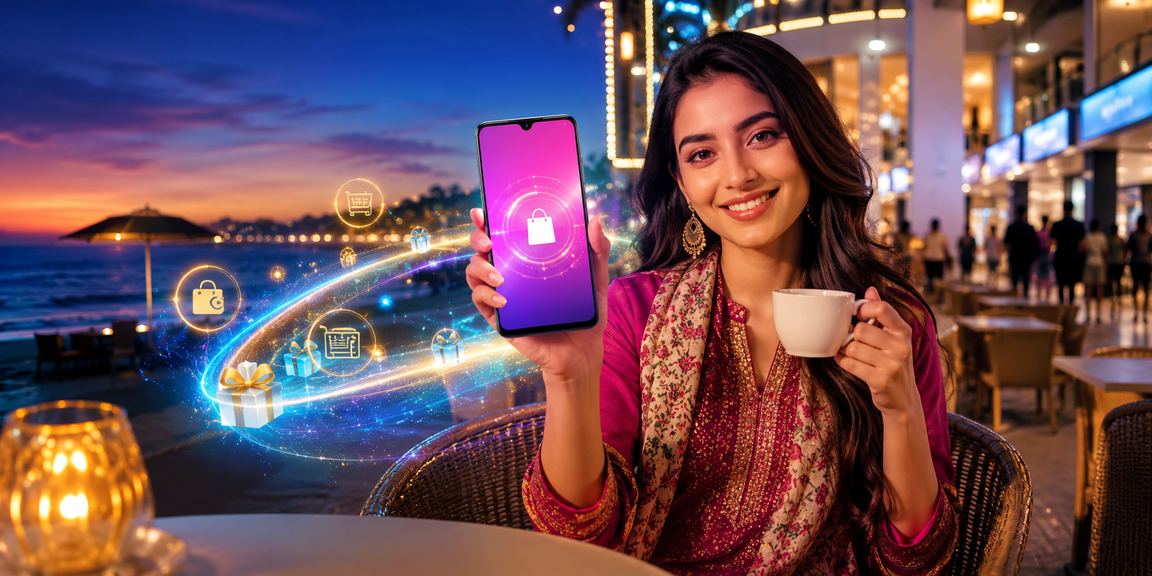
Mobile app installation with Cox's Bazar beach in the background

Android Mobile App

Download the APK file directly to your mobile and complete the installation securely. A detailed installation guide is available on the page. Every device function works smoothly to ensure a truly unique mobile betting experience.

Download APK

Desktop software in use against the natural scenery of Sylhet

Desktop Software

Download and install the 700d software on your PC or laptop to start betting right away. The software is backed by the latest security technology and receives fast updates.

Using the software is the reliable choice for high speed and stability, guaranteed to deliver a better experience.

Download Software

Important Tips for Download & Installation

Key Terms Related to Downloads

APK
An application package file that is installed directly on Android devices.
Installation
The setup process for installing software or an app on your device.
Official Website
The official site provided by 700d — download safely, directly from the source.
System Requirements
The hardware and software specifications a device needs to run the software or app.
Smartphone
A mobile device capable of performing computer-like tasks and supporting app installation.

BDT Deposit & Withdrawal Process

  1. Log in to your account and go to the Deposit section.
  2. Choose bKash, Nagad, or Bank Transfer as your preferred option.
  3. Complete the transaction with the required details. Funds are typically credited within minutes.
  4. Complete KYC verification before making a withdrawal.
  5. Submit a withdrawal request — processing typically takes 1–24 hours.
  6. Contact our support center if you run into any difficulties.
Method Processing Time Minimum Deposit / Withdrawal
BKash Usually Instant ৳100
Nagad Within 10–30 minutes ৳200
Bank Transfer 1–24 hours ৳500

Download FAQs

Go to the official download page, tap the APK file for Android, and complete the download. Then enable "Unknown Sources" installation in your phone's settings and install the file. Once installed, open the app and log in.

Only download from the official website and trusted sources. Avoid downloading APKs from unknown sources. Always verify the file name and size before installing to protect against malicious software.

You'll generally need to enable installation from 'Unknown Sources'. Installing from an official, trusted file makes this risk-free. You can revert the setting back to its original state once installation is complete.

The desktop software loads faster and runs more stably than a browser, delivering a superior gaming experience. While browser support is also excellent, the software unlocks special features exclusively for software users.

700d's In the FAQ section You'll find answers to many common issues there. You can also reach us at [email protected] for prompt assistance. Live chat isn't available yet, but it's coming soon.

Yes, the mobile app is built in Bangla, so Bangladeshi users can log in and navigate with ease. A password reset option is available in-app if you forget yours. For any issues, help is available via the FAQ page or by email.
বাংলা